Cart drawer
The Cart drawer section has no configurable settings of its own. It's a structural section, and whether it's used at all is controlled by the Cart type setting in Theme Settings.
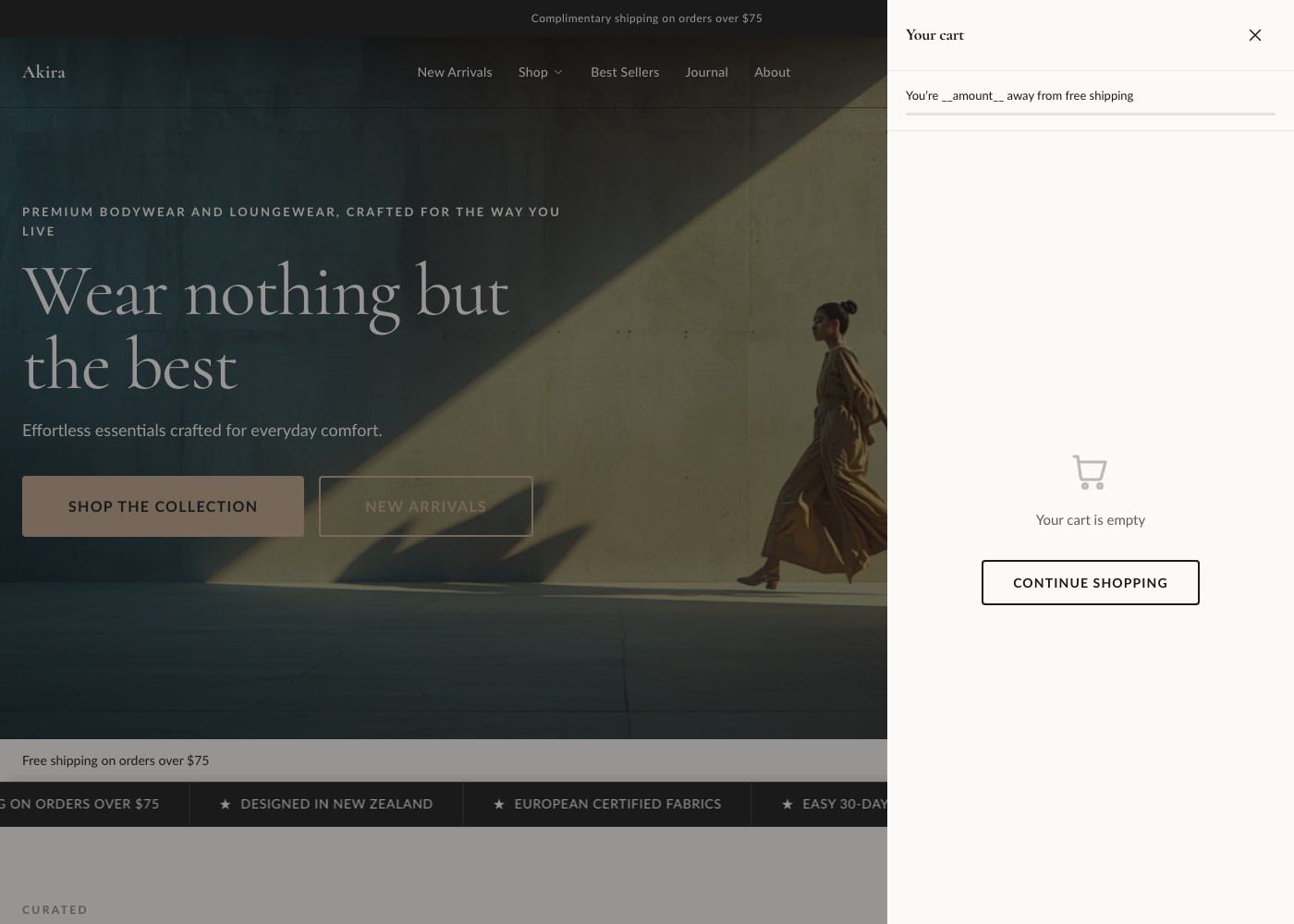
How it works
In Theme Settings → Cart, you choose whether your store's cart behaves as a slide-out drawer or a full cart page. When drawer is selected, this section renders the slide-out panel that opens whenever a customer adds an item to their cart.
The drawer itself includes:
- Line items, with product image, title, variant, and price
- Quantity steppers for adjusting or removing items
- A free shipping progress bar, if free shipping thresholds are configured
- A checkout button leading straight to Shopify checkout
None of this is configured from within the Cart drawer section itself. To change the cart type, free shipping threshold, or other cart behavior, go to Cart settings.