Search page
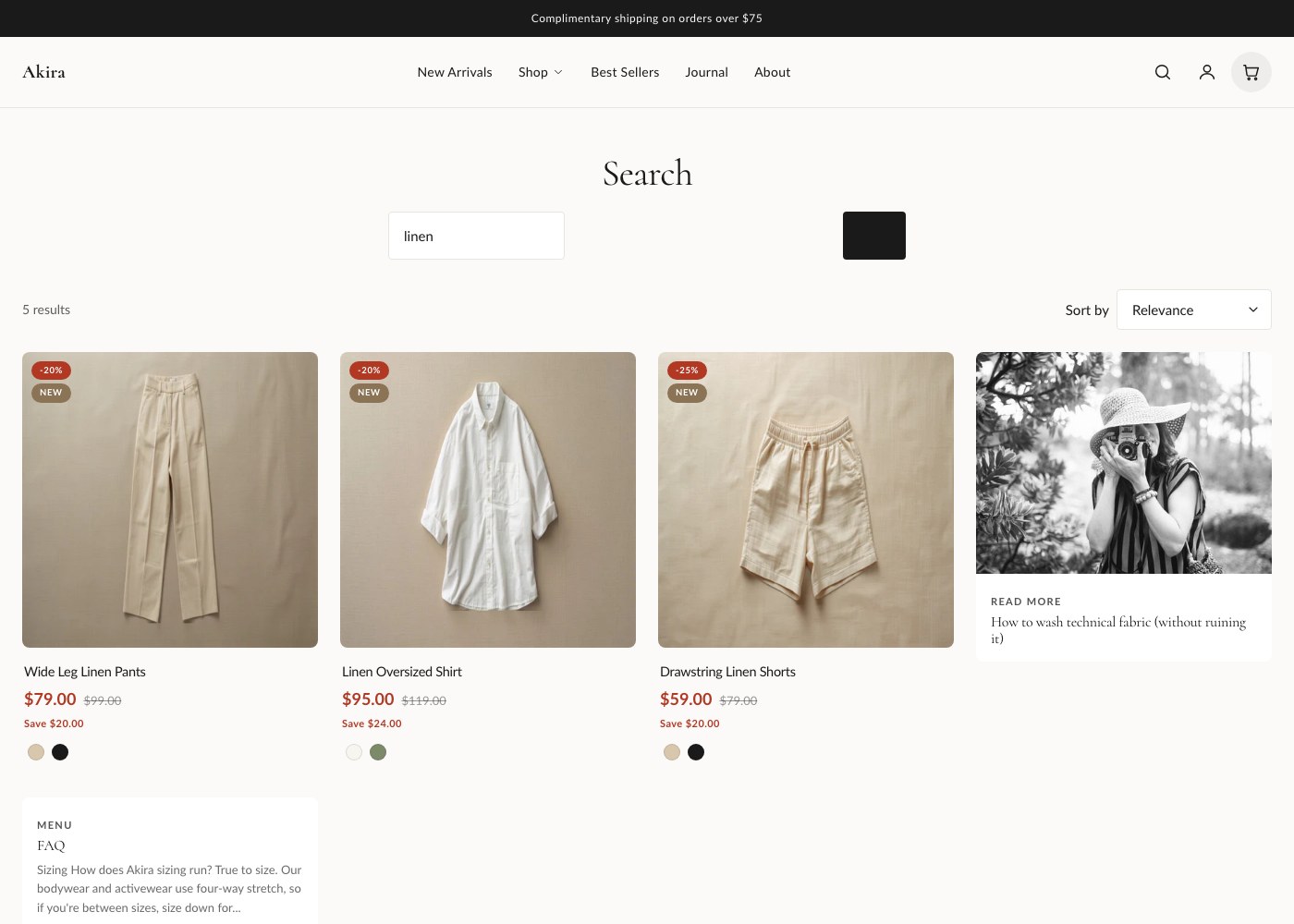
Search in Akira happens in two places: predictive search, which shows live results as the customer types, and the full search results page, built from the Search results section, which they land on after submitting a query.
Predictive search
As soon as a customer starts typing in the search field, predictive search shows a dropdown of live matches, updating with each keystroke. Results aren't limited to products, it can surface matching products, articles, and pages in the same dropdown, grouped by type, so a customer searching for a topic covered in a blog post can land on that article directly instead of an empty product search.
Search results page
If the customer submits the search instead of clicking a predictive result, they land on the full results page.
| Setting | What it does |
|---|---|
| Results per page | How many results load per page. |
| Columns on desktop | Number of result columns on desktop. |
| Columns on mobile | Number of result columns on mobile. |
| Color scheme | Sets the color scheme applied to this section. |
| Top / bottom padding | Space above and below the section, in pixels. |
Pagination
When a search returns more results than fit on one page, the results page paginates rather than loading everything at once, using the results-per-page setting above to determine the page size.
No-results messaging
When a search returns nothing, the page shows a clear no-results message instead of an empty grid, so customers understand what happened rather than assuming the page failed to load.
Tip: Keep results per page and columns on desktop proportional, for example 24 results at 4 columns gives clean rows of 6, so the last row of a search doesn't end up with one or two orphaned results.