Customer accounts
Customer accounts in Akira are built from seven separate sections, one per account-related page: login, registration, account dashboard, addresses, order detail, account activation, and password reset. Each keeps its settings deliberately minimal since the content on these pages is mostly generated by Shopify itself.
Shared settings
Every account section, Login, Register, Account, Addresses, Order, Activate account, and Reset password, exposes the same two controls: a color scheme picker and top/bottom padding sliders. There's no per-page content configuration beyond that, because the forms and data on these pages come directly from the customer's Shopify account.
| Setting | What it does |
|---|---|
| Color scheme | Sets the color scheme applied to this section. |
| Top padding | Space above the section, in pixels. |
| Bottom padding | Space below the section, in pixels. |
Login and registration
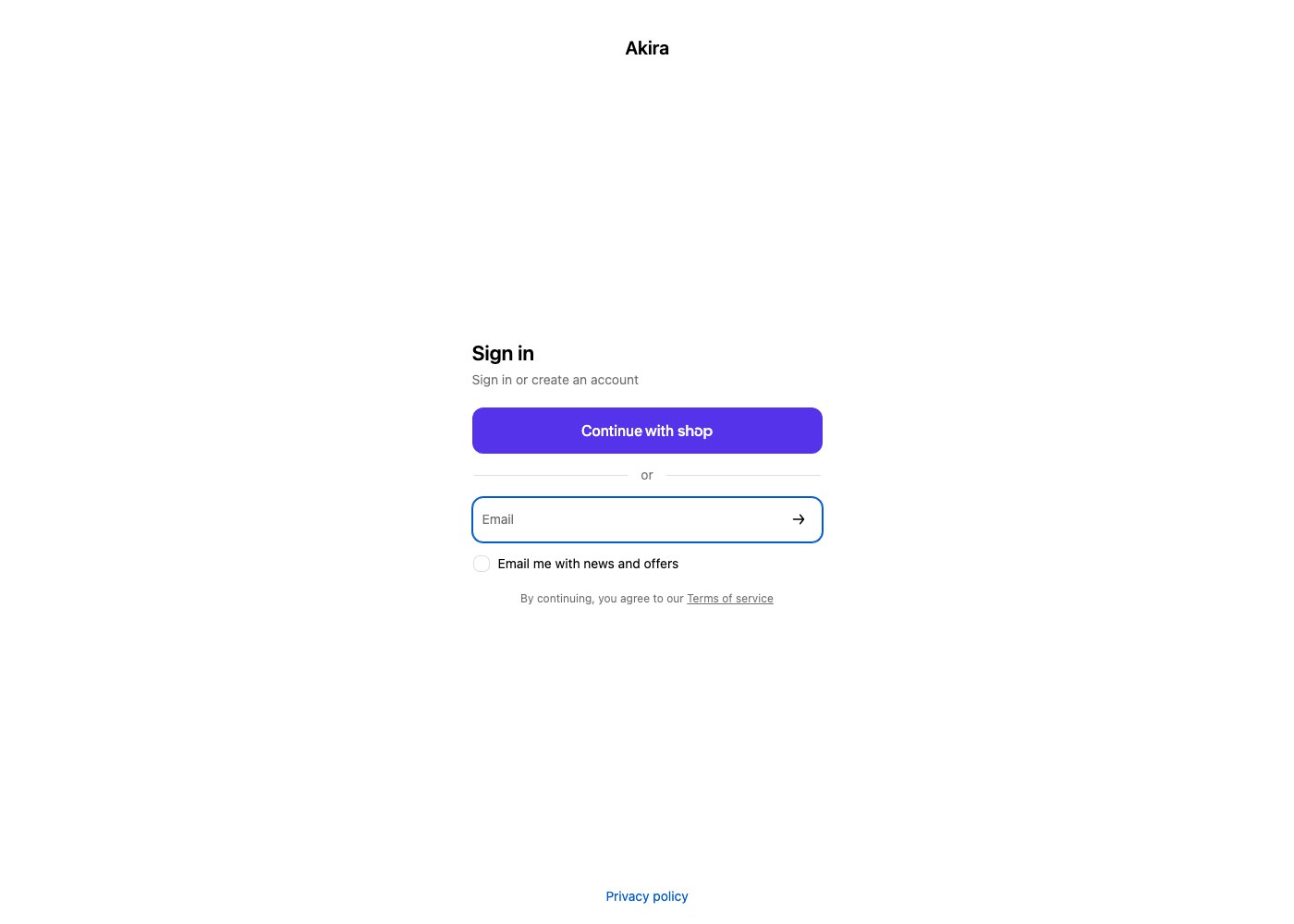
The Login section renders Shopify's standard sign-in form. If your store has customer accounts set to optional or required, this is the page customers reach from the account icon in the header. The Register section renders the new account sign-up form for stores that allow customers to create accounts directly on the storefront rather than only at checkout.
Account dashboard
The Account section is the landing page after login, showing a summary of the customer's account and links into their order history and address book.
Addresses
The Addresses section lets customers add, edit, and remove shipping addresses saved to their account, so they don't need to retype address details on every order.
Order history
The Order section shows the detail view of a single past order. Line items display with the same unit pricing shown on the product page, and any line item purchased on a subscription shows its selling plan label (for example "Delivers every 30 days"), so customers can see at a glance which items in an order are recurring.
Password reset and account activation
Reset password renders the form a customer uses after requesting a password reset email. Activate account renders the form used to set a password and activate an account created for the customer by the store, typically from an invite sent through Shopify admin.
Tip: Give the account sections their own color scheme rather than reusing your homepage scheme, especially if your homepage uses a bold or dark palette. Account pages are functional, transactional pages, and a calmer scheme keeps forms easy to read.