Cart page
This article covers the full cart page, built from the Cart section. If you're using the slide-out cart drawer instead, that's documented separately under Sections → Cart drawer. Both can be active on the same store: the drawer for quick add-to-cart feedback, and this page for customers who navigate to /cart directly.
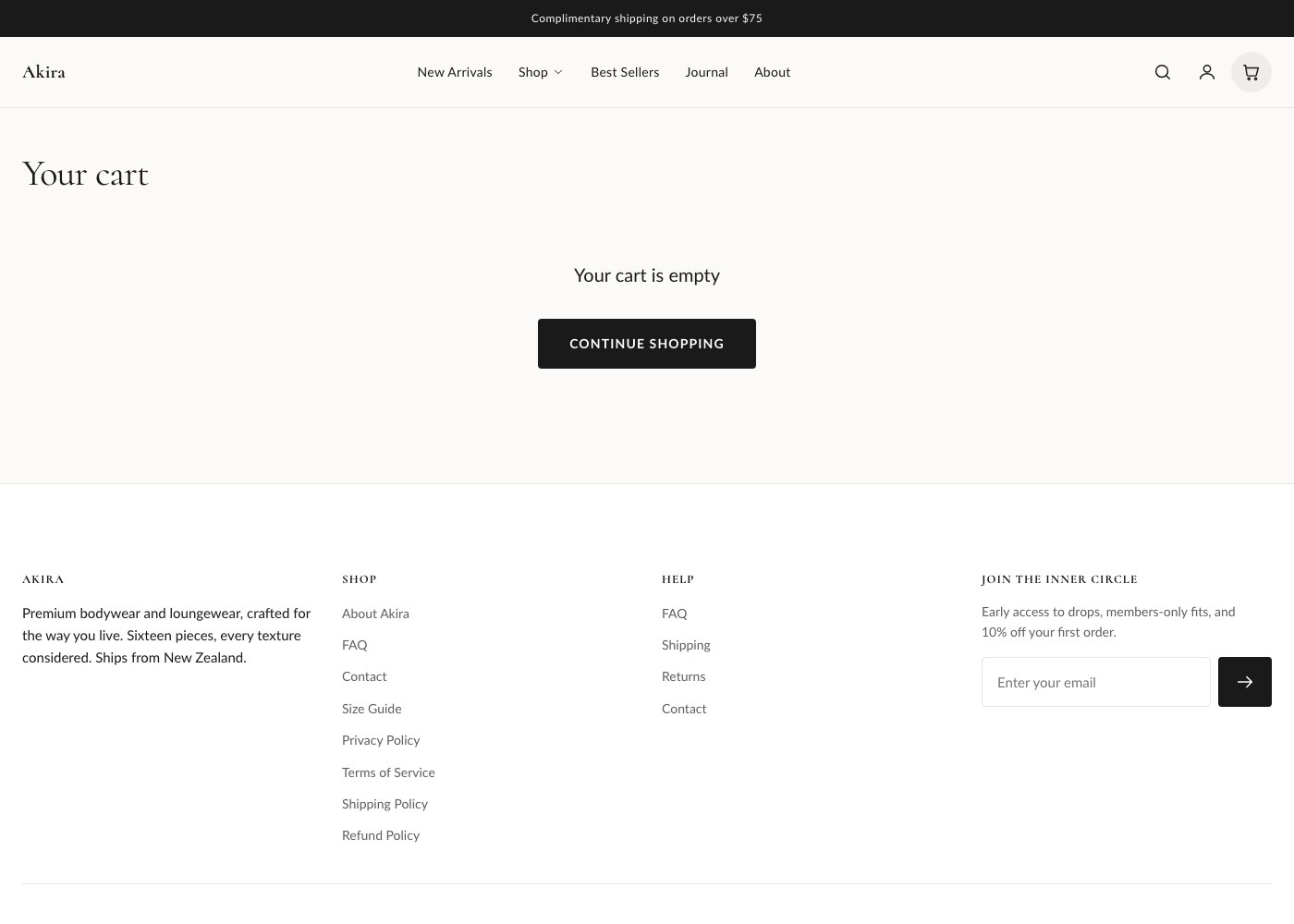
Section settings
| Setting | What it does |
|---|---|
| Show order note | Adds a text field where customers can leave a note for their order. |
| Show free-shipping bar | Displays a progress bar showing how much more the customer needs to spend for free shipping. |
| Free shipping threshold | The spend amount the progress bar counts toward. |
| Show dynamic checkout buttons | Shows accelerated checkout options such as Shop Pay alongside the standard checkout button. |
| Show product recommendations | Displays a recommendations block below the cart. |
| Number of recommendations | How many recommended products to show. |
| Color scheme | Sets the color scheme applied to this section. |
| Top / bottom padding | Space above and below the section, in pixels. |
Free shipping progress bar
When enabled, the free shipping bar compares the current cart subtotal against the threshold you set and updates automatically as items are added or removed, showing the customer how much more they need to spend to qualify. Once the threshold is met, the bar switches to a message confirming free shipping has been unlocked.
Discounts
Any discount applied through a discount code, an automatic discount, or Shopify Scripts/Functions is reflected both at the cart level (a total discount line) and on individual line items where the discount applies to specific products, so customers can see exactly which items are discounted and by how much before they check out.
Order notes, gift wrap, and terms
The order note field, when enabled, gives customers a place to add delivery instructions or a gift message. If your store has a gift wrap product or app configured, it can be offered as an add-on in the cart. A terms-acceptance checkbox is also available, which requires customers to agree to your store's terms before the checkout button becomes active, useful if your business requires explicit consent at checkout.
Tip: Keep your free shipping threshold in sync with the actual shipping rate you've configured in Shopify admin. A mismatch here is one of the most common causes of support tickets about "free shipping that wasn't free".
Accelerated checkout
With dynamic checkout buttons enabled, customers see options like Shop Pay, PayPal, or Apple Pay/Google Pay directly on the cart page, in addition to the standard Checkout button. These speed up checkout for returning customers with saved payment details and are controlled by the payment providers active on your account.
Product recommendations
When enabled, Shopify's recommendation engine suggests related products below the cart contents, using order history and product relationships to pick items likely to interest the customer. Use the count setting to control how many appear.