
Product pages are the highest-intent pages on your store. Someone searching for "merino wool hiking socks size 10" is closer to buying than someone searching for "best hiking gear". Yet most Shopify merchants spend their SEO budget on homepage and collection optimization while their product pages ship with auto-generated titles, blank meta descriptions, and images named IMG_4782.jpg.
This checklist covers every SEO element on a Shopify product page, from the basics that take five minutes to the structural work that compounds over months. If you have hundreds of products and cannot do this manually, scroll to the automation section at the end.
1. Product title tags
The title tag is the single most important on-page SEO signal. It appears as the blue clickable link in Google search results and tells the search engine what this page is about.
Shopify sets the title tag from the product title by default, but you can override it in the "Search engine listing" section at the bottom of the product editor.
- Include the primary keyword a shopper would actually search for. "Merino Wool Hiking Socks" is better than "The Explorer".
- Keep it under 60 characters so it does not get truncated in search results.
- Front-load the keyword. Put the most important term at the start, not after the brand name.
- Add a differentiator when it fits: the material, the color, the size range, or the use case.
A good pattern: [Product Name] - [Key Attribute] | [Brand]. For example: "Merino Hiking Socks - Lightweight, Sizes 7-13 | Peak Gear".
2. Meta descriptions
The meta description is the two-line summary shown below the title tag in search results. Google does not use it as a ranking factor directly, but a well-written meta description increases your click-through rate, which does affect rankings indirectly.
- 120 to 155 characters. Shorter gets wasted space. Longer gets truncated.
- Include the primary keyword naturally. Google bolds matching terms in the snippet.
- Describe what the product is and why someone should buy it. Not what it is made of (that goes in the description).
- End with a reason to click: free shipping, a specific benefit, or a clear differentiator from competitors.
The biggest mistake is leaving it blank. Shopify auto-generates a meta description from the first ~155 characters of your product description, which is usually not written for search snippets and reads poorly when truncated.
3. Product descriptions
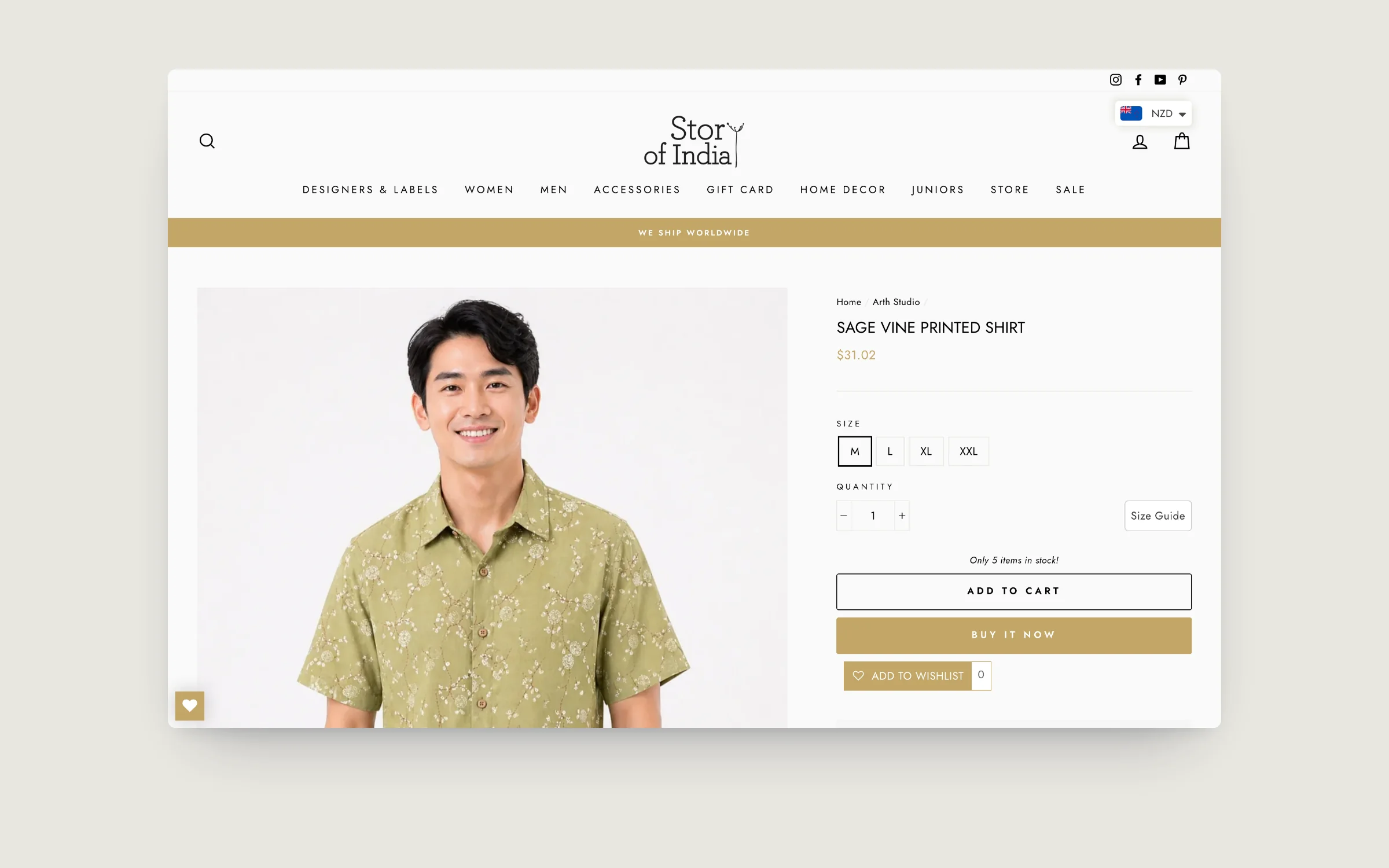
Thin product descriptions are the most common SEO problem on Shopify stores. A product with two sentences of copy is competing against pages with 300 to 500 words of relevant, keyword-rich content.
- Minimum 150 words per product. 250 to 400 is the sweet spot for most categories.
- Write for shoppers first, search engines second. Answer the questions a buyer would have: what it is, who it is for, how to use it, what makes it different.
- Use natural keyword variations throughout. If your primary keyword is "merino hiking socks", include "wool socks for hiking", "lightweight trail socks", and "merino blend socks" where they fit naturally.
- Use headings (H2, H3) inside the description to break up long-form content. Shopify supports HTML in the description editor.
- Avoid duplicate descriptions across similar products. Google deprioritises duplicate content. If you have 40 similar products, each needs its own copy.
4. Image alt text
Every product image should have descriptive alt text. This helps Google understand what the image shows (important for both regular search and Google Image search) and is required for accessibility compliance.
- Describe the product in the image. "Black merino wool hiking socks on a white background" is better than "socks" or "IMG_4782".
- Include the product name and one or two relevant attributes: color, material, angle, or context.
- Do not keyword-stuff. Write a natural sentence that describes what a person would see.
- Each image gets unique alt text. If you have five photos of the same product, each should describe what that specific photo shows: the front view, the close-up of the stitching, the product being worn.
Google Images is a real traffic source for ecommerce. Merchants who write proper alt text consistently see 10 to 20 percent more organic traffic from image search alone.
5. URL handles
Shopify auto-generates the URL handle from the product title when you first create the product. You can edit it, but changing a URL after it has been indexed requires a redirect, so get it right the first time.
- Short and keyword-rich.
/products/merino-hiking-socksbeats/products/the-explorer-v2-updated-2026. - No filler words. Drop "the", "and", "for", "with" unless they are part of the product name.
- Lowercase, hyphens only. Shopify enforces this anyway, but double-check if you paste from elsewhere.
- Never change a URL that is already ranking or has external links pointing to it without setting up a 301 redirect.
6. Product tags for internal search and faceted navigation
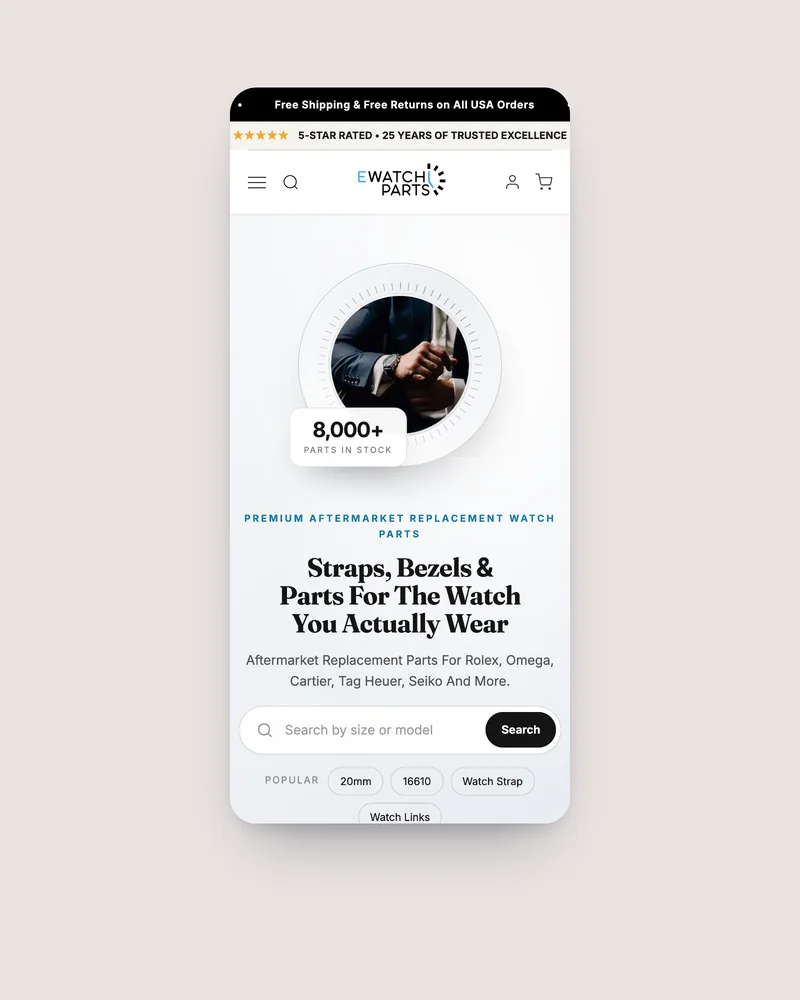
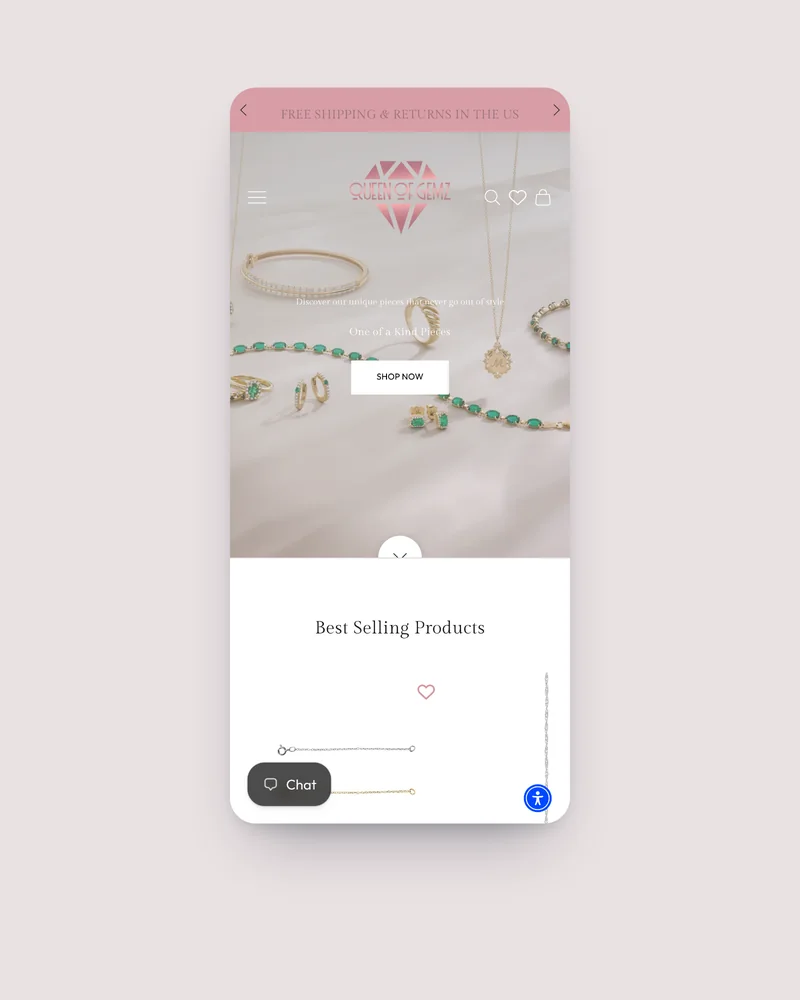
Tags serve double duty on Shopify. They power your internal search, collection filtering, and faceted navigation. Well-tagged products are easier for shoppers to find, and the filtering pages they generate can themselves rank in Google.
- Use consistent naming conventions. "Merino Wool" on one product and "Merino" on another splits your filtering. Pick one and use it everywhere.
- Tag attributes shoppers filter by: material, color, size range, occasion, season, compatibility.
- Avoid over-tagging. Tags that no shopper would filter by (internal codes, import batch numbers) create noise.
7. Structured data and schema markup
Structured data tells Google explicitly what your product page contains: the product name, price, availability, reviews, and images. This powers rich results in search, the product cards with prices and star ratings that get significantly higher click-through rates.
Most modern Shopify themes include basic Product schema automatically. Check yours by pasting a product URL into Google Rich Results Test.
- Verify your theme outputs Product schema with name, image, description, offers (price + availability), and brand.
- Add Review/AggregateRating schema if you have a review app. Many review apps inject this automatically.
- Check for errors in Google Search Console under Enhancements > Products. Fix any warnings about missing fields.
8. Internal linking
Product pages that are only reachable through collection pages and search are leaving link equity on the table. Internal links from blog posts, other product pages, and content pages pass authority and help Google discover and understand your product pages.
- Link from relevant blog posts to the products they mention. A blog post about "how to choose hiking socks" should link directly to your hiking socks products.
- "Frequently bought together" and "You may also like" sections create internal links between related products. These are built into most Shopify themes.
- Cross-link within product descriptions when it is natural. "Pairs well with our merino base layer" is a useful internal link.
9. Page speed and Core Web Vitals
Google uses page speed as a ranking signal. Product pages with oversized images, unoptimised scripts, and heavy apps load slowly and rank lower than they should.
- Compress product images before uploading. Shopify auto-serves WebP, but starting with a 6MB TIFF still hurts initial load.
- Lazy-load below-the-fold images. Most modern themes handle this, but check that your first product image is eager-loaded (LCP) while gallery images are lazy.
- Audit installed apps. Each app that injects JavaScript into your storefront adds to page weight. Remove apps you are not actively using.
- Test with PageSpeed Insights. Aim for 90+ on mobile. Fix any flagged issues.
10. Mobile experience
Google uses mobile-first indexing, meaning it evaluates the mobile version of your product page for ranking. If your product descriptions are hidden behind "read more" toggles on mobile, Google may not fully index that content.
- Ensure the full product description is visible in the HTML source even if it is visually collapsed. Check with "View Page Source", not just the rendered page.
- Tap targets must be at least 48px. Variant selectors, add-to-cart buttons, and image thumbnails need to be easy to tap on a phone.
- Test on a real device. Chrome DevTools mobile simulation is useful but does not catch everything.
Automating the checklist at scale
If you have 50 or more products, doing this manually for every product is not realistic. The items that consume the most time, writing unique descriptions, meta descriptions, image alt text, and consistent tags, are also the items that AI content tools handle well because they can read your existing product data and generate content from it.
Miko AI Descriptions & Narrate was built specifically for this use case. It generates product descriptions, titles, meta descriptions, image alt text, and tags from your real product data (variants, pricing, images, existing copy) in your store's own language. A built-in SEO gap scanner finds exactly which products are missing meta descriptions, alt text, or tags so you can fix only what is broken. Every change can be reviewed, edited, and reverted before and after it goes live.
The Listen button feature adds a second layer: shoppers can tap once on any product page to hear an AI-written summary read aloud, which improves engagement and time on page, both of which are positive behavioral signals for search rankings.
The SEO checklist (copy and use)
Frequently asked questions
What is the most important SEO element on a Shopify product page?
The product title tag. It appears in search results as the clickable headline and tells Google exactly what the page is about. A good product title includes the product name, the primary keyword a shopper would search for, and optionally the brand. Keep it under 60 characters.
How do I write a good meta description for a Shopify product?
Keep it between 120 and 155 characters, include the primary keyword naturally, describe what the product is and why someone should buy it, and end with a reason to click. Avoid keyword stuffing and never leave it blank.
Does image alt text affect Shopify SEO?
Yes. Alt text helps Google understand your product images, affecting both regular search rankings and Google Image search visibility. Write alt text that describes the product in the image naturally, including the product name and relevant attributes like color or material.
Can I automate Shopify product page SEO?
Yes. Miko AI Descriptions & Narrate bulk-generates SEO-ready product descriptions, meta descriptions, image alt text, and tags from your real product data. It includes a built-in SEO gap scanner and full review/revert workflow.
Start with your top 10 products
You do not need to optimize every product page today. Start with the 10 products that generate the most revenue, apply this checklist, and measure the impact over 30 days. Then work outward. If you have hundreds of products and need to close the gap faster, Miko AI Descriptions & Narrate can scan your catalog and fix the missing pieces in bulk.