The Futuristic Bridge
Between Odoo & Shopify.
Stop manual data entry. Sync Inventory, Products, Orders, and B2B Companies in real-time with an architecture built for high-volume commerce.

Engineered for Stability
Designed by developers, for developers and merchants.
Smart Inventory
We don't just sync numbers; we map Odoo Stock Locations to specific Shopify Locations to keep local inventory accurate.
True B2B Sync
The only connector that handles Odoo Parent/Child companies properly. Sync "Companies" in Shopify B2B directly with Odoo Partners.
Redis Architecture
Built on a queuing system (Redis) to prevent timeouts. High volume order days? We queue them and process securely without crashing.
A Dashboard that makes sense.
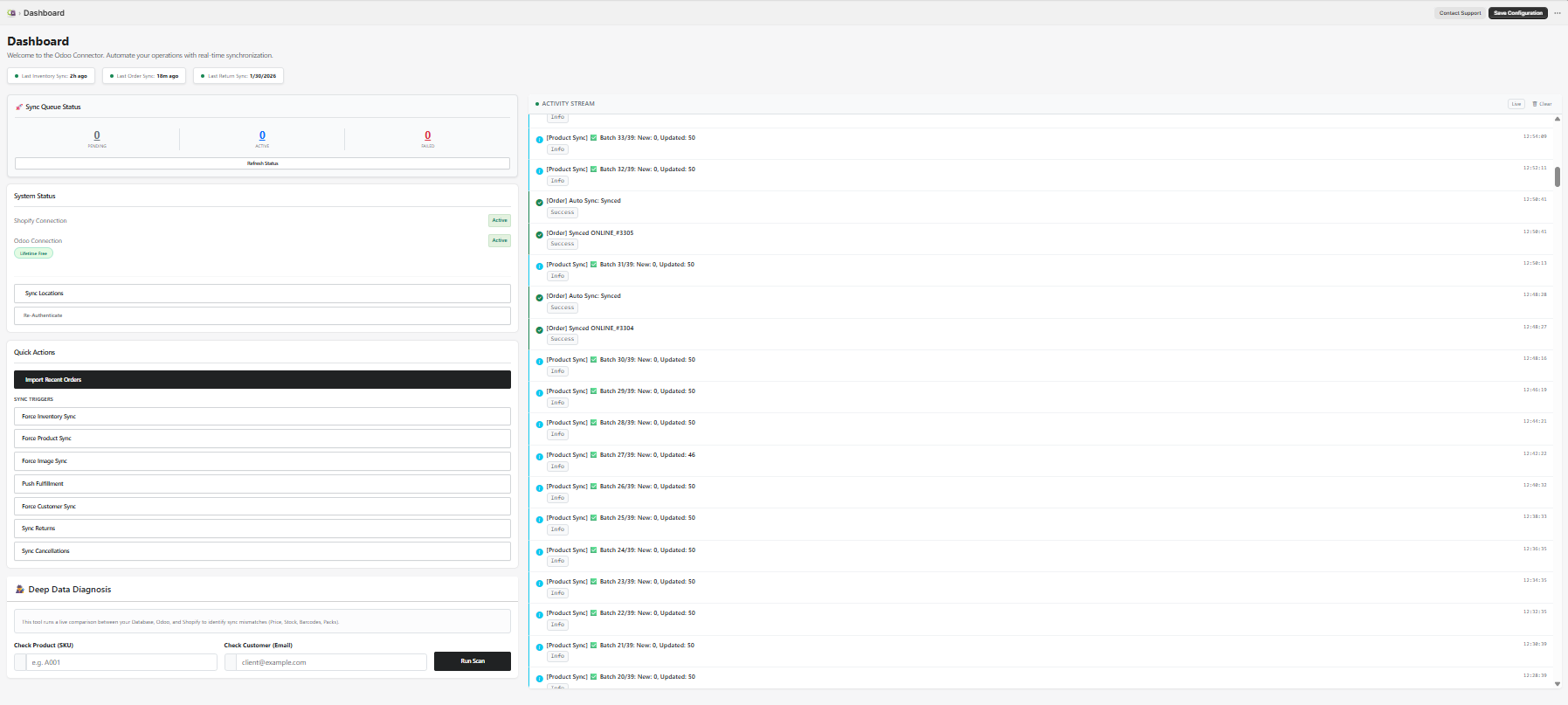
Monitor the pulse of your integration. See real-time logs of every job processed. If an order fails to sync (e.g., missing ZIP code), we tell you exactly why in plain English.
- Real-time Job Status
- One-click Retry mechanism
- Visual Stats for Sales
Map it your way.
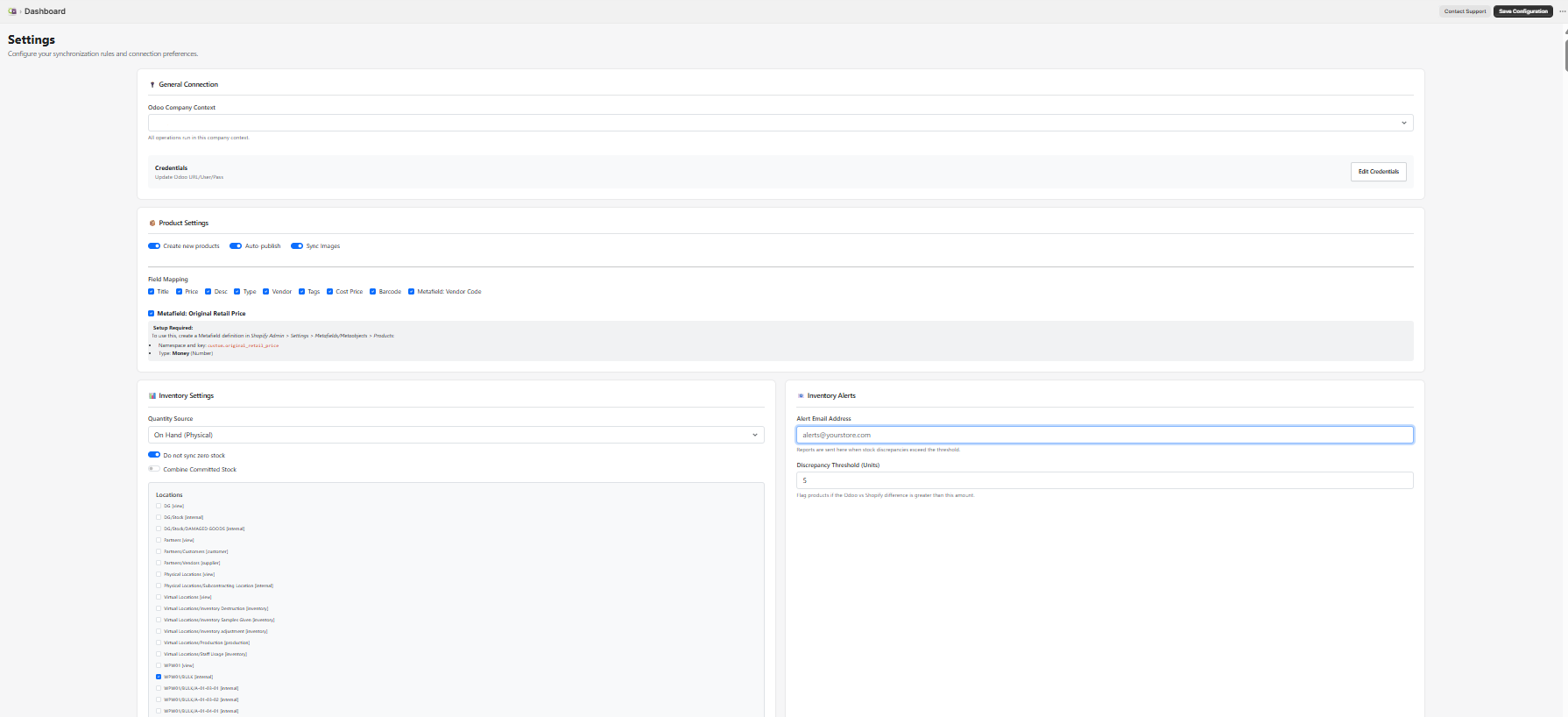
Every business is unique. Our setting controls allow you to define exactly how data flows.
Map Shopify Tax Lines to Odoo Tax IDs automatically.
Link Shopify Payments to Odoo Journals.
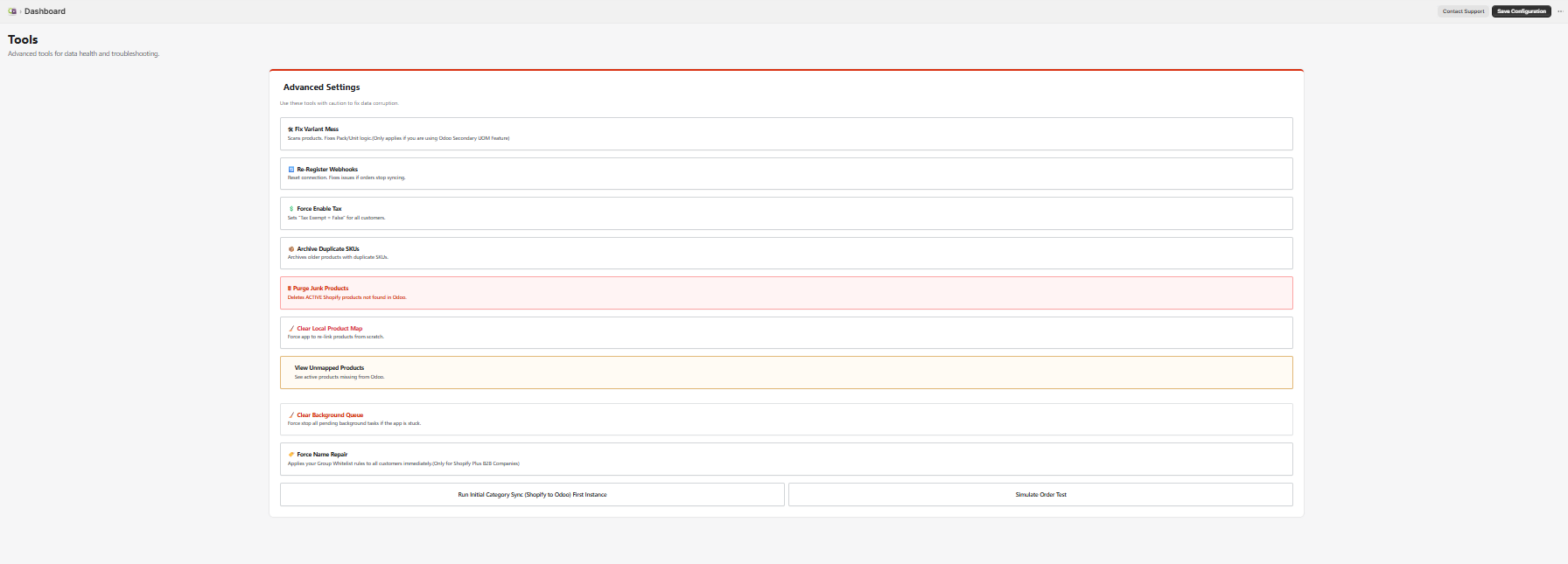
Power Tools for Bulk Actions.
Need to pull 5,000 products from Odoo to Shopify for a new store launch? Or push 2 years of historical orders to Odoo?
Use the Operations tab to trigger bulk import/export jobs manually without waiting for the automated scheduler.
Trigger immediate updates for Inventory or Orders.
Clean up test data or unmapped products with one click.
Get Started in 3 Steps
Install App
Add the app from the Shopify App Store.
Connect Odoo
Enter your Odoo URL, DB Name, and API Key.
Map & Sync
Configure your warehouses and start the engine.